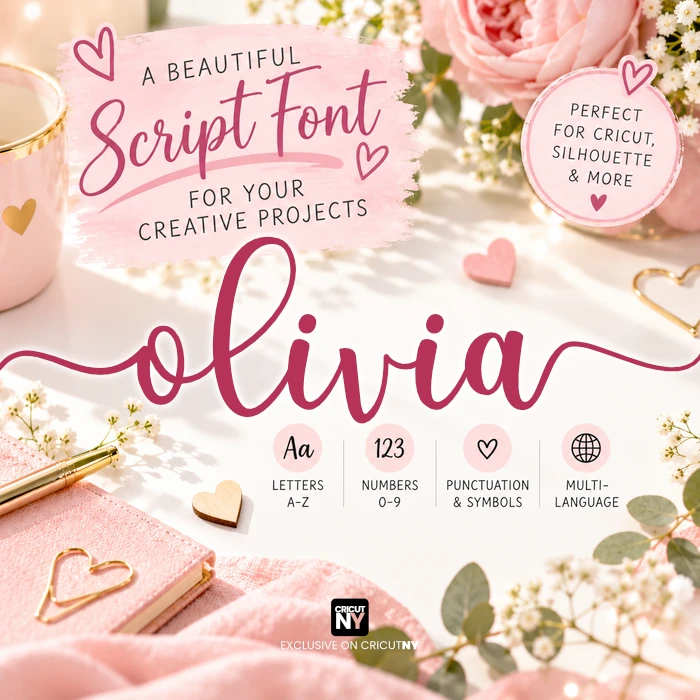
The best Cricut & Glowforge font with tails - Olivia
Hi fellow crafters! ✨ I’ve got a special treat for you today. For the last five years, my Olivia script was a top-seller on Etsy with over 65k purchased and now, I want you to have it too for your crafting project! I even provide you a commercial license if you own a shop.
"Unlike Cricut fonts that you never truly own, this font is permanently yours to use on any cutting machine for any craft project—completely restriction-free."
Why you’ll love Olivia:
- Perfectly Thick: No more struggling with fragile lines! Its weight makes it a dream to cut and weed on Cricut or Silhouette. ✂️
- Beautiful Flourishes: Those gorgeous long tails match up perfectly for a high-end look. 🎀
- Beginner Friendly: It’s super easy to use! While I’ve included SVG files, I highly recommend installing the TTF (font) files so you can type normally.
Pro Tip: To get that beautiful capital "C," just type a lowercase "c" and scale it up. It’s that easy! 💡
I can’t wait to see the stunning names and titles you create. If you get stuck or need a hand, just shout—I’m here to help! 🥰
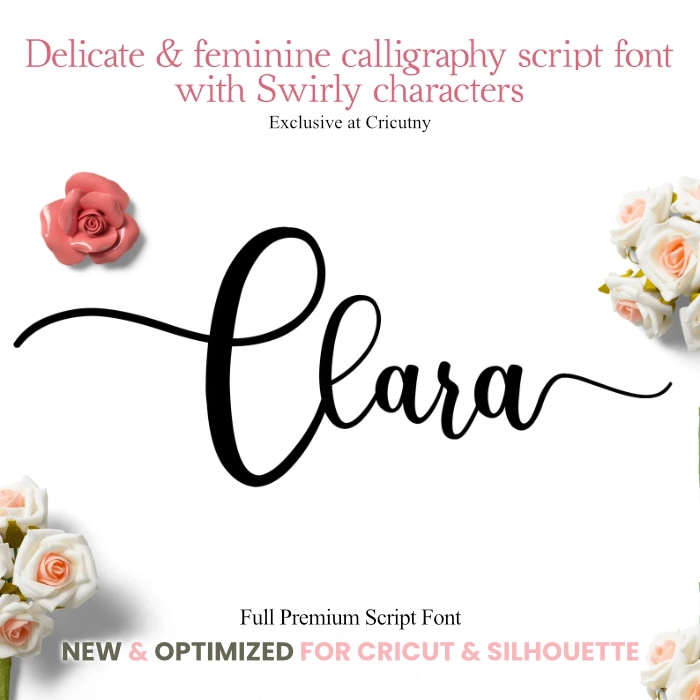
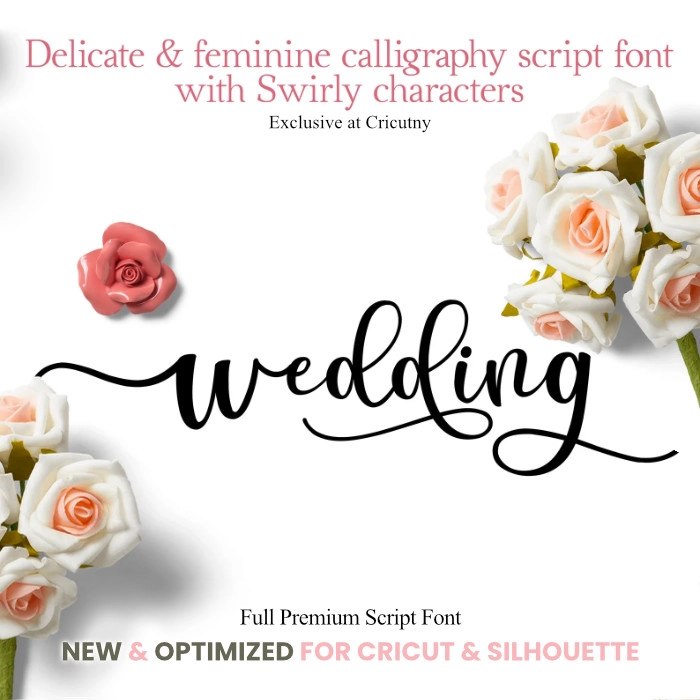
Easily insert long tail letters on both the right and left sides with just one click.
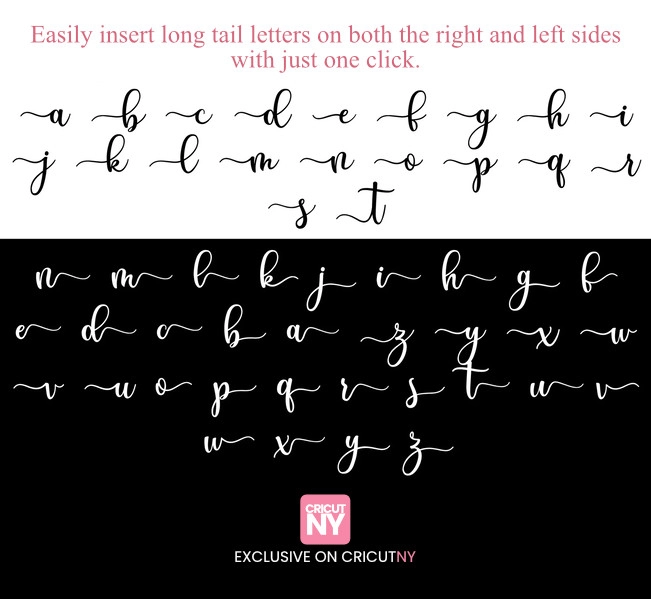
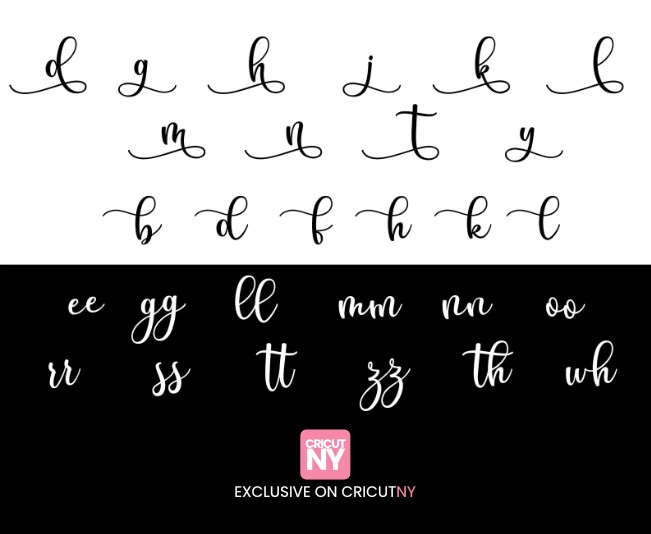
There are some letters that have an extra pair and some that have extra long tails.
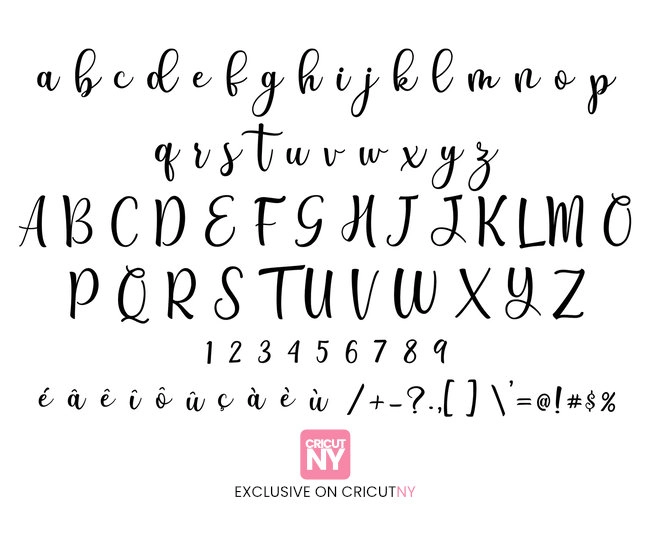
"The Olivia font alphabet includes both upper and lower case letters. In great news for French and Spanish speakers, all accents are also included."
"Here are some stunning project ideas you can make with this font, with a special thanks to the talented creators who designed them!"

"A big thank you to Heather for the photo, your project looks amazing!"

The Step-by-Step Installation Guide 🖥️:
If you're new to installing fonts, don't worry! It’s much easier than using SVGs for every letter. Here is how to get Olivia ready to use in Cricut Design Space:
- Download & Unzip: Download the font folder to your computer. If it's a "Zip" file, right-click it and select "Extract All."
- Install the TTF: Open the folder and double-click the TTF file. When the preview window pops up, click the "Install" button at the top.
- Refresh Design Space: If you already have Cricut Design Space open, save your work and close the program. Re-open it so it can "see" your new font.
- Find Your Font: Start a new project, click the Text tool, and go to the "System" tab in the font menu. Search for "Olivia" and start typing! ⌨️✨
Note: Always install fonts before opening your design software so they show up in your list!
★ The font can be utilized for both personal and commercial projects.
What’s Included:
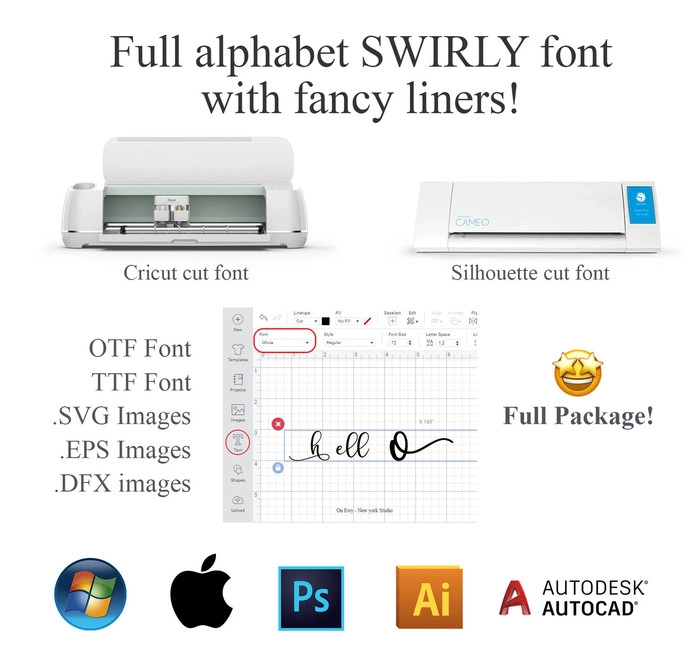
- This font comes with both TTF and OTF file formats. One file is for the regular characters while the other is for the long tail letters. Before using it on Cricut or any other design application, make sure to install both files on your computer or device.
- SVG files, Work best on Cricut and with the popular Silhouette Cameo cutting machine. Please note: The SVG files are included, but they are no longer necessary. They are only provided for your convenience.
The Olivia font has been optimized for all cutting machines to make your focus on creating rather than technical stuffs. With this font, you can easily insert long tail letters from your keyboard in just a few clicks, making it feel like magic!
The Olivia script font is compatible with the following:
This font works with a wide range of software and even websites, including Cricut design space, Silhouette Cameo, Canva, Lightburn, Templett, Word (although some versions of Microsoft Word may not allow for special characters, in which case the free software called Libre-office is a great alternative), Gimp, Photoshop, Illustrator, Affinity Photo, Affinity Designer, Maya, Unity, Adobe After Effect, Indesign, Premiere Pro, Final Cut Pro, and Mockup Software.
Commercial License included; Yes, you can use it for your products!
Happy Crafting
available files.
SVG Files
Use the SVG design with Cricut Design Space, Silhouette Cameo (Upgrade Edition), and other cutting machines, design applications and laser cutting machines.
EPS files
Images with transparent background, 300 DPI resolution. This file format is mostly used for printing at a printer shop. This is not required with a cutting machine.
TTF font file
We recommend installing the TTF font file, which is compatible with any device and can be installed effortlessly with a single click.
DXF files
Use DXF images with Cricut Design Space, Silhouette Cameo (Upgrade Edition), and other cutting machines.
OTF font file
The OTF font file is generally used for the most advanced designers, but we ensured both versions include all the glyphs.
projects.
Check out the amazing crafts created using this bundle.
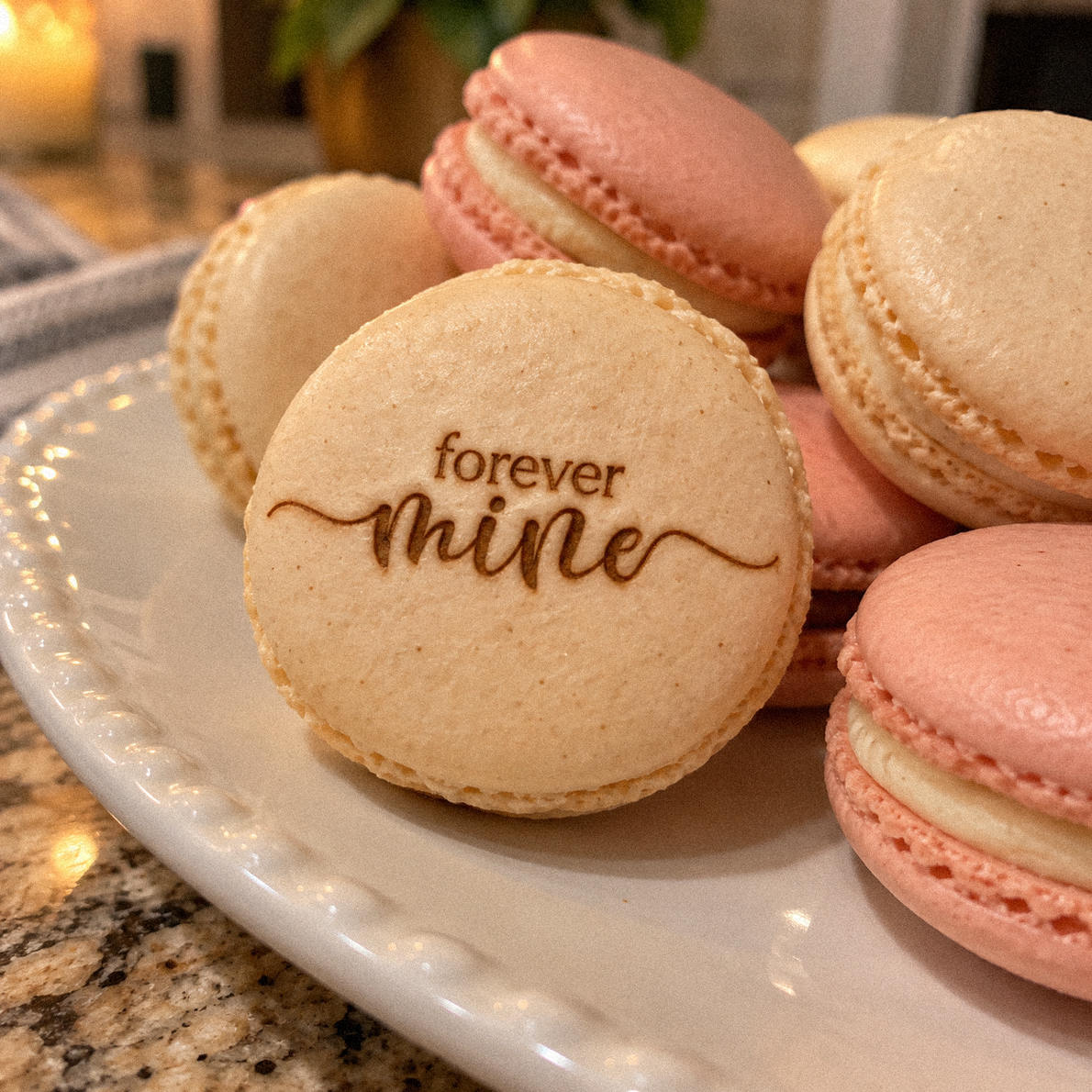
Heather
Worked well on my Glowforge, yummy!!! I’m so obsessed 😍🍓✨
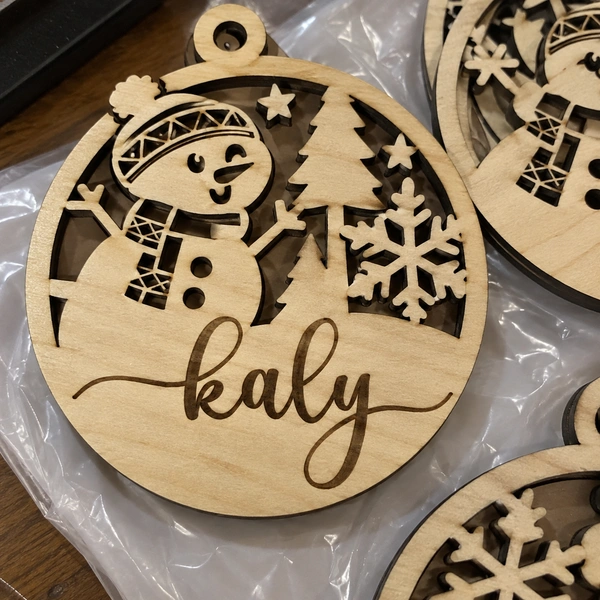
Alicia Beam from Columbia
beautiful font, so glad I found your shop!
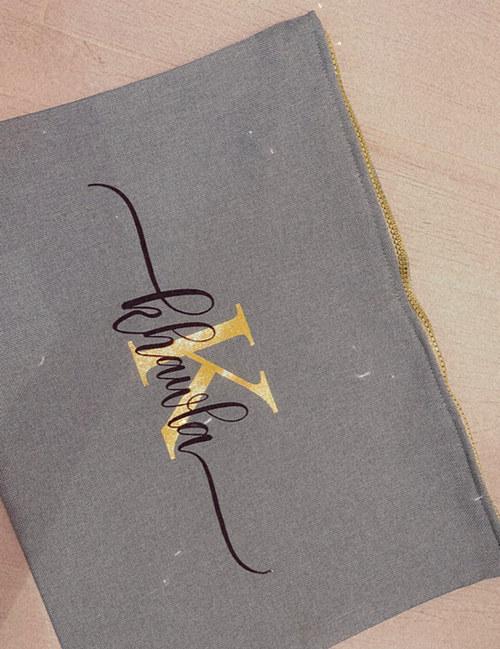
I'm Fatimah from Alaska!!
Thank you 😍❤️ At first, i was nmot sure how to use the font but i notice the tails and the font are separated which makes it so much easier to use, well done!
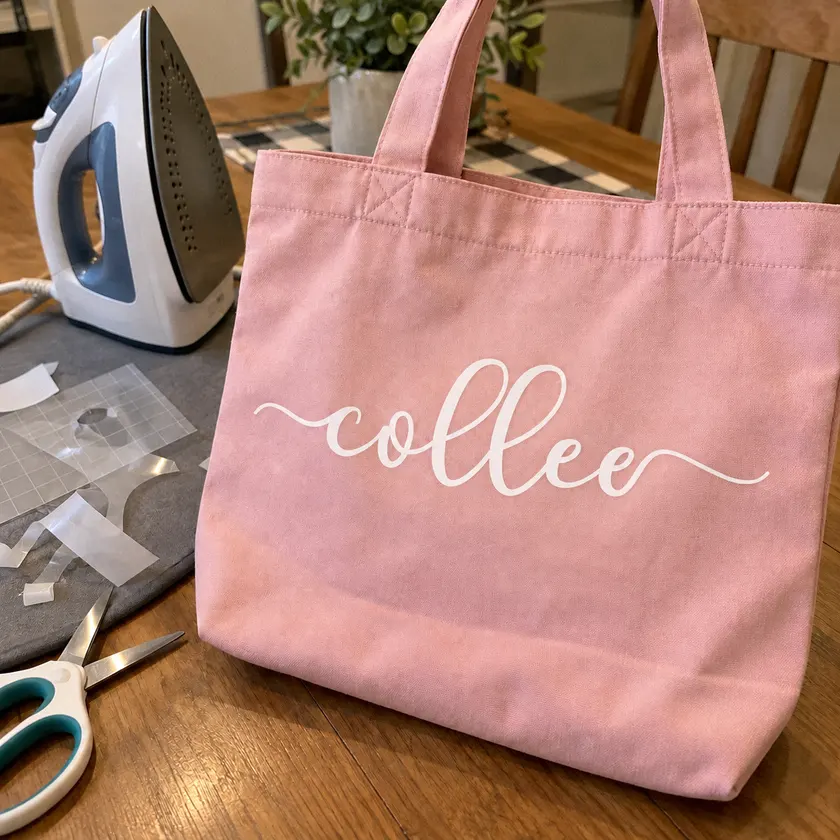
Mane, COTTAGE GROVE, MN
A first timer here in the world of cricut fonts, zero experience. The key is reading through the instructions it will save you a lot of frustration and headache. I was able to replicate the sample font ‘olivia’ into the iron on in one try. Great font, thanks!
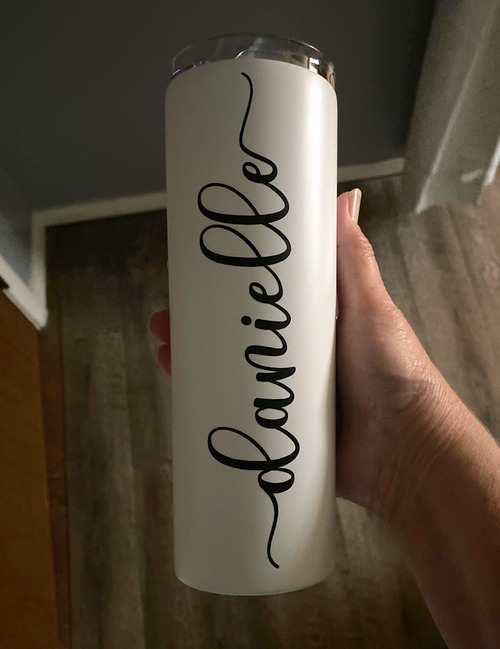
Missy from New Haven, CT
Easy to download and install. Worked perfectly and was exactly what I wanted for my project.
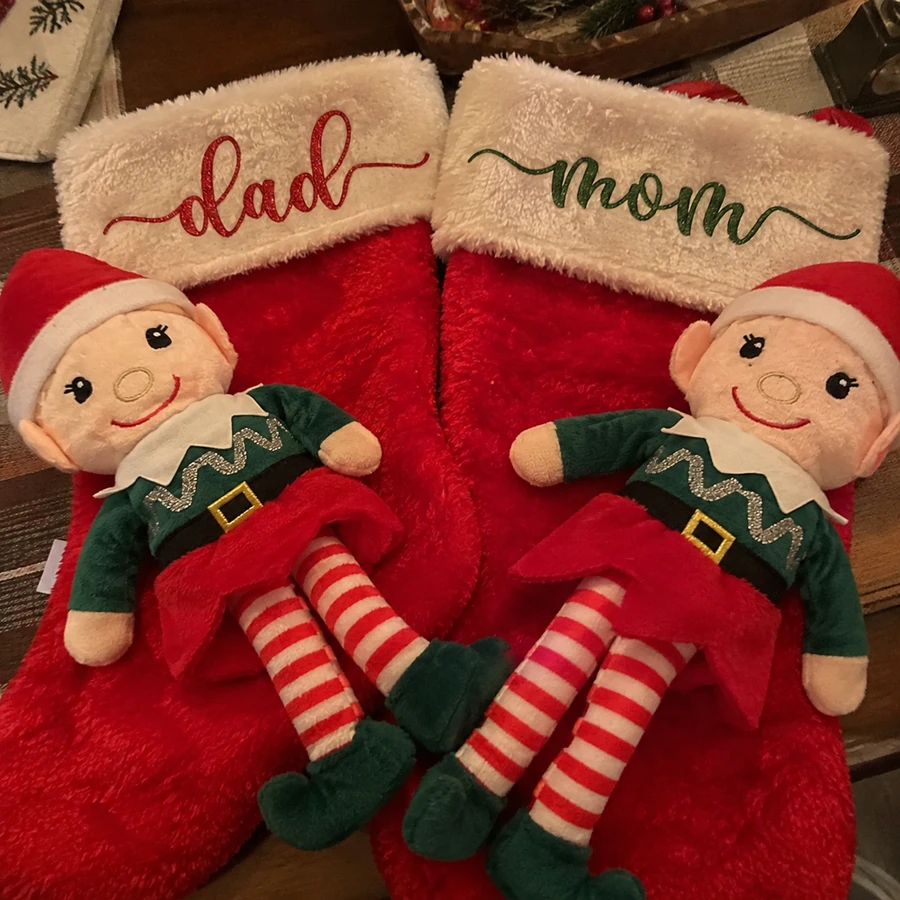
Penny
Perfect gift for the holiday, i like it so much, thanks
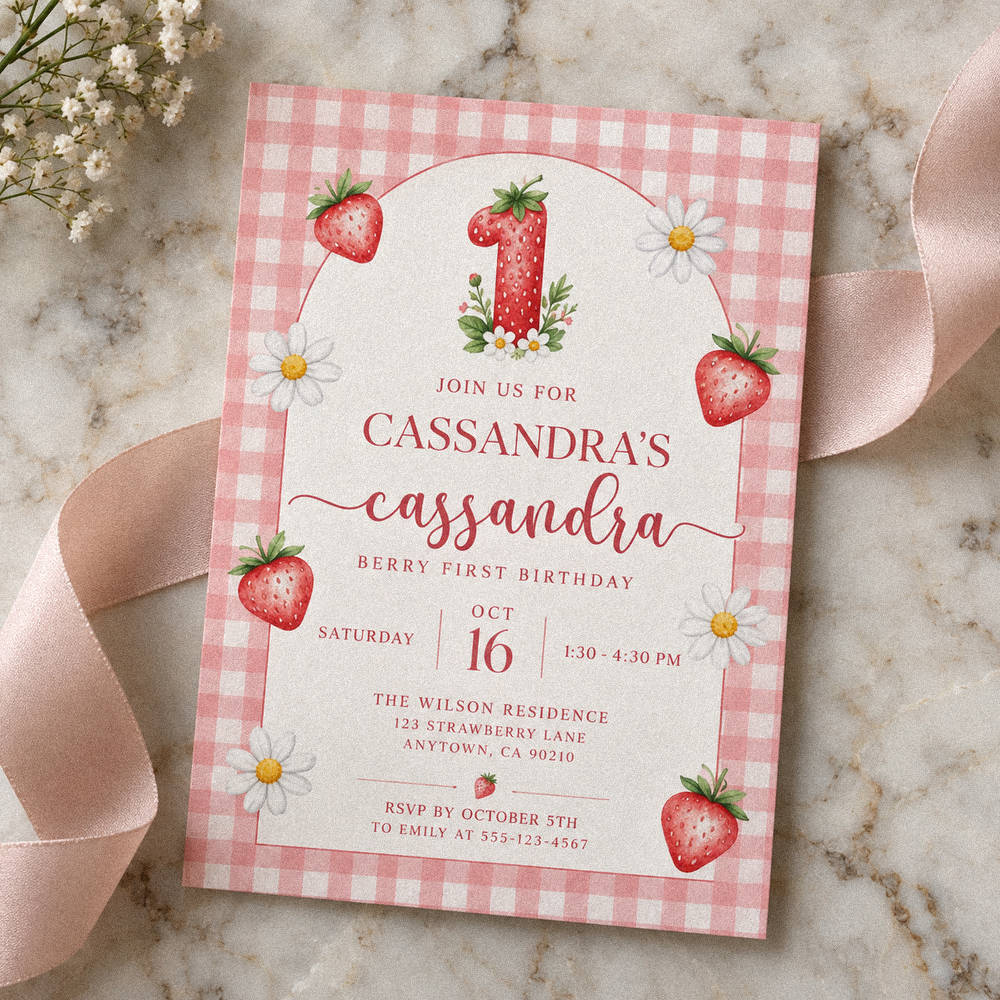
My first template, incredibly beautiful font. Made my life easy. thank you 🙂
I am Yasmeen
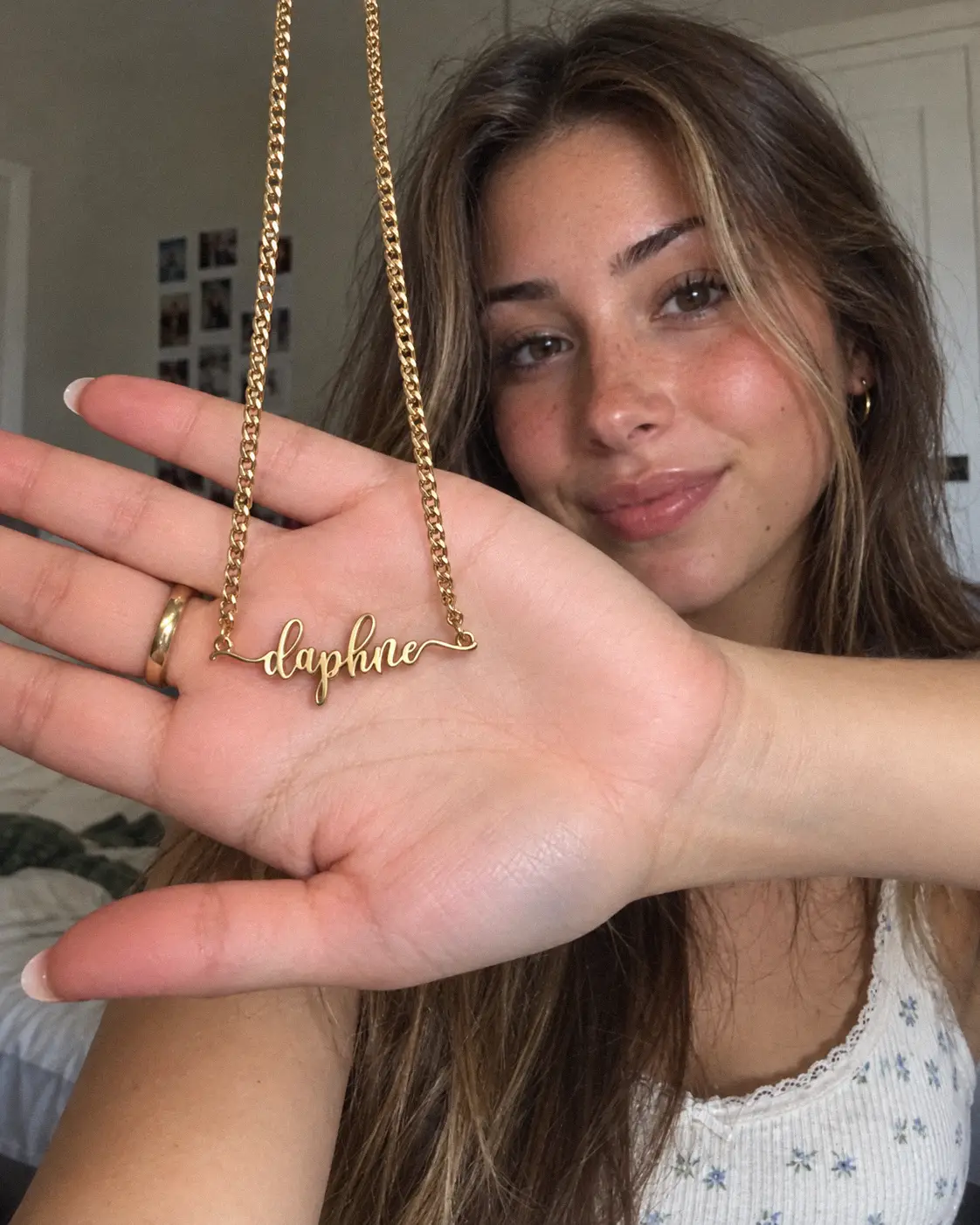
Daph
Perfect for my neclace, how cute!!!
Compatible With

Cricut Design Space

Silhouette Studio

ScanNCut

Canva website
glowforge

All Cutting Machines
Procreate

Image processing software

Text processing software

Operating Systems